Chrome and Edge provide a highly visible focus outlines
- Published at
- Updated at
- Reading time
- 1min
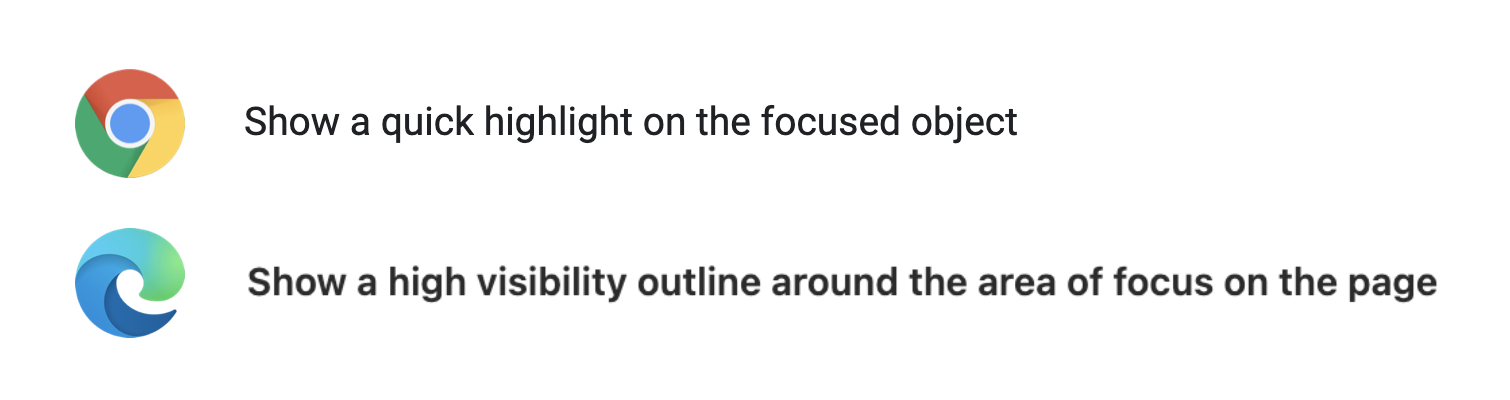
Adrian Roselli shared that Chrome and Edge provide highly visible focus outlines.
Go to their accessibility settings pages to turn on the feature:
- Chrome:
chrome://settings/accessibility - Edge starting with v94:
edge://settings/accessibility
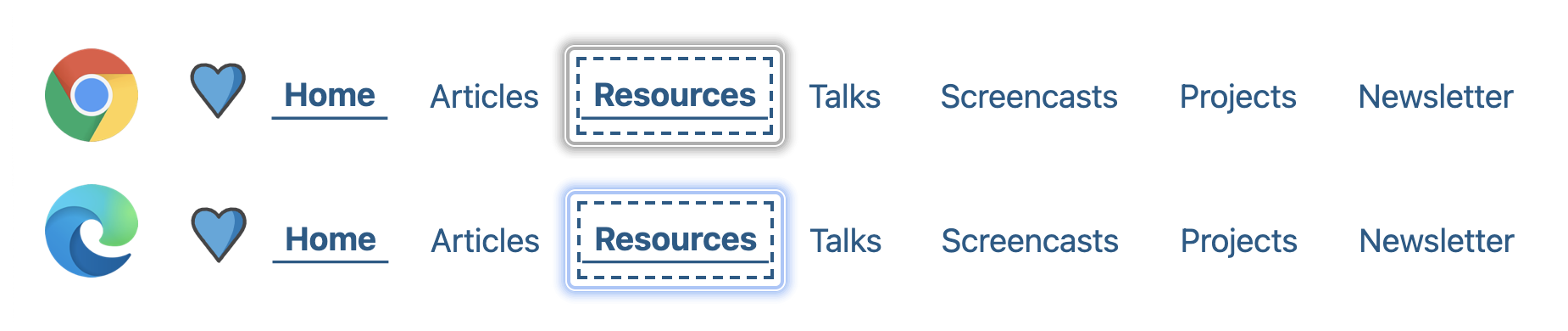
When turned on, you see that focused elements receive an additional border and box-shadow.
I haven't decided yet if I keep highly visible focus outlines turned on in Chrome/Edge, but I'd wish Firefox would offer a similar feature or improve their focus outlines at some point.
(the tiny dotted line bugs me for years by now 🙈)
Edit: Šime pointed out that you can change Firefox' focus outline by navigating to about:config and changing browser to 0 and browser to 4. 👏
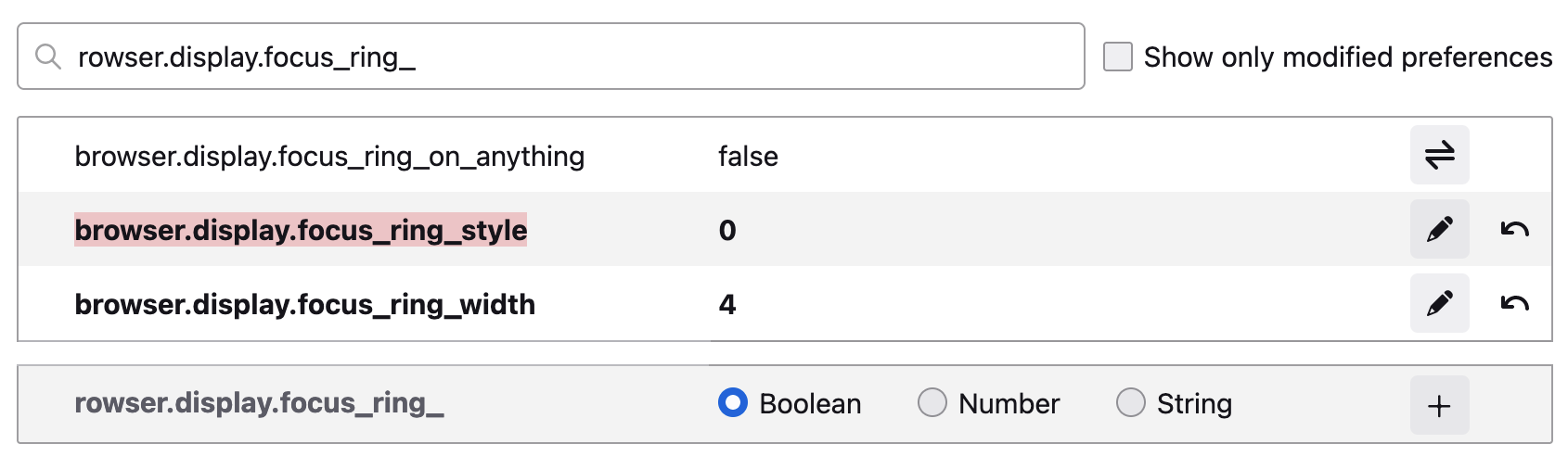
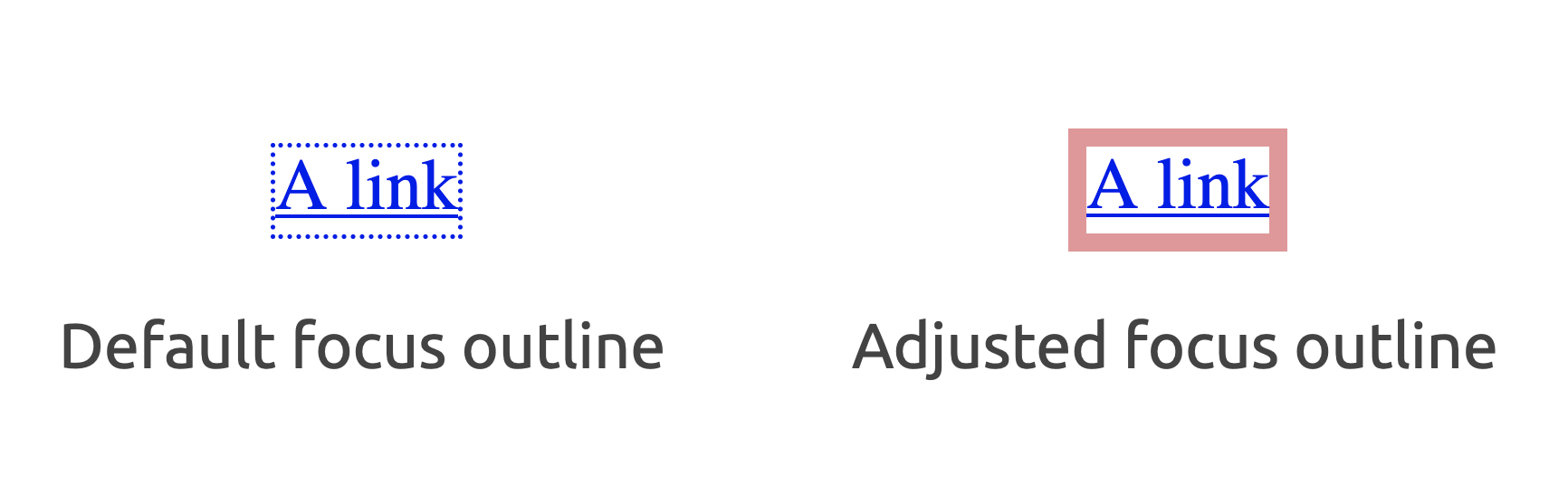
The configuration then enables more visible Firefox focus outlines. 🎉

Join 6.3k readers and learn something new every week with Web Weekly.

Frontend nerd with over ten years of experience, freelance dev, "Today I Learned" blogger, conference speaker, and Open Source maintainer.
Related Topics
Related Articles
- Header & footer elements change their roles when they're inside of sectioning content
- WCAG success criteria that can't be autmatically tested
- A "section" without an accessible name is nothing but a "div"
- The order of accessible name computation steps
- Forms without an accessible name are not exposed as ARIA landmarks